APP / Mini Program / H5 · Why it matters
A complete desktop system only serves people who can sit still. Patrol staff are in the plant room, clerks are at the counter, customers are on the road, suppliers are in their own warehouse. If they must return to a desk to report work, redeem, check status or send a shipment, the system does not exist in their hands.
Work happens on site. If the entry does not follow the phone, a complete back office still misses the transaction that just occurred.
The kickoff line “we need an APP” usually starts with image: peers have one, a bid form asks for one, leadership wants a QR code at the annual meeting. Most failed projects DaXi Technology has seen did not pick the wrong stack. They picked the wrong entry—shipping a brochure that opens once a quarter as a native app that needs store review, while the people who scan and report every day still use paper and WeChat. Putting work on the phone starts with four roles: employee, customer, store, supplier. Where they work, how many times a day, and whether the network holds. When the place is clear, then talk native, mini program, or H5.
If the system only lives on a PC, the floor invents a bypass
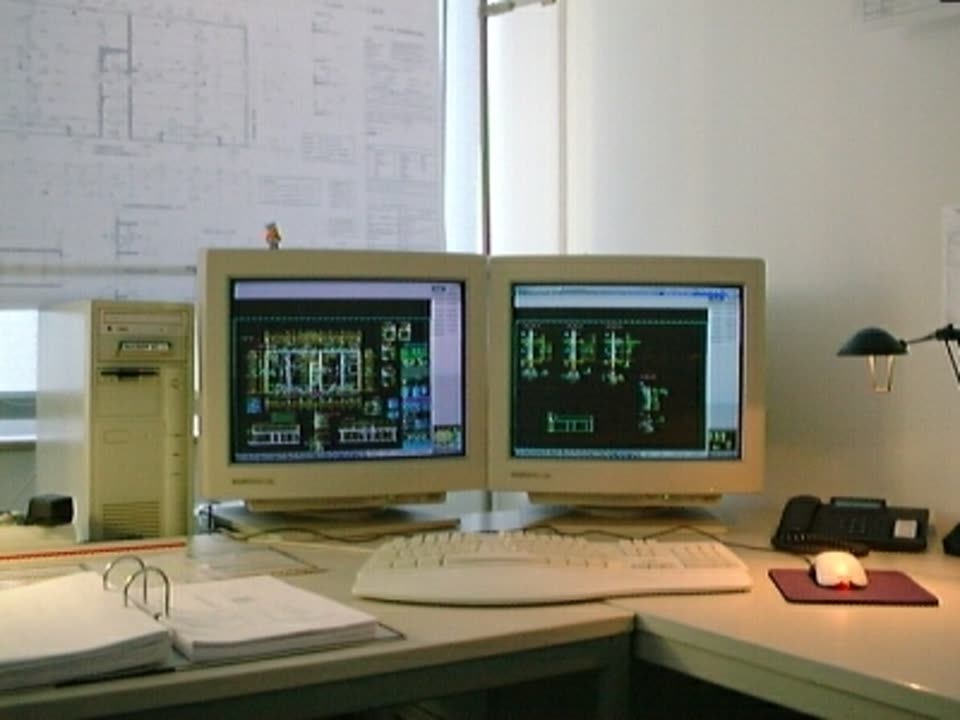
Bypasses are cheap: a photo in a chat group, a number shouted across the aisle, an evening backfill at the office. By then memory has drifted, photos miss the point, and the approver sees a result that already happened instead of a process they can still stop. When field staff never sit at a PC, the PC system does not exist. We wrote that in If field staff never sit at a PC, the PC system does not exist. Mobile has to catch three to five actions that can finish on the spot—not a shrunken desktop page.
Pick who uses it and where first, then native, mini program, or H5. Reverse the order and the money lands on an icon nobody opens.
Four roles do not share one home screen
Employees need tasks, scan, photos and location. Customers need booking, status and fewer calls. Stores need redemption, reordering and membership. Suppliers need to accept orders, ship and settle. Cram four audiences into one “enterprise APP” and the home screen becomes a nav wall nobody taps. What belongs on an employee app is in Employee features people will actually use. How to write a member entry is in What belongs on a member mini program home. Stack follows role: high frequency, push and offline justify native; share, no install and WeChat or Alipay pay favor a mini program; campaign pages and temporary entries are enough as H5.
Mobile is not a second business. It is an entry into the same back office

Patrols, orders and redemptions submitted on the phone must appear in the admin console immediately, with stock and permissions shared with the web back office. Building a separate client just to “have an APP” is the failure path in Why shipping an APP just to “have one” fails. WeCom chat cannot carry a state machine either; see WeCom chat is not a business entry. Customers who need self-serve and suppliers who cannot live on email are covered in Why customers need a self-serve status page and Why suppliers cannot live on emailed spreadsheets.
So “why the phone” is not an internet slogan. Work already left the desk. DaXi lists the actions that must finish on the phone, then recommends an entry. We do not default to an APP. To lock the entry by role, describe the users on the mobile service page.